

Lonestar Inn in El Campo, Texas, has a 24-hour front-desk listing, but that does not mean check-in is confirmed at every hour. If you’re planning a late arrival, check the window on your reservation and contact the booking support team if you may arrive after midnight.
- Front desk: available 24 hours.
- Check-in: 3:00 PM to 12:00 AM.
- Address: 1319 South Mechanic Street, El Campo, Texas 77437.
- For late-arrival questions, use the booking support contact form and include your confirmation number.
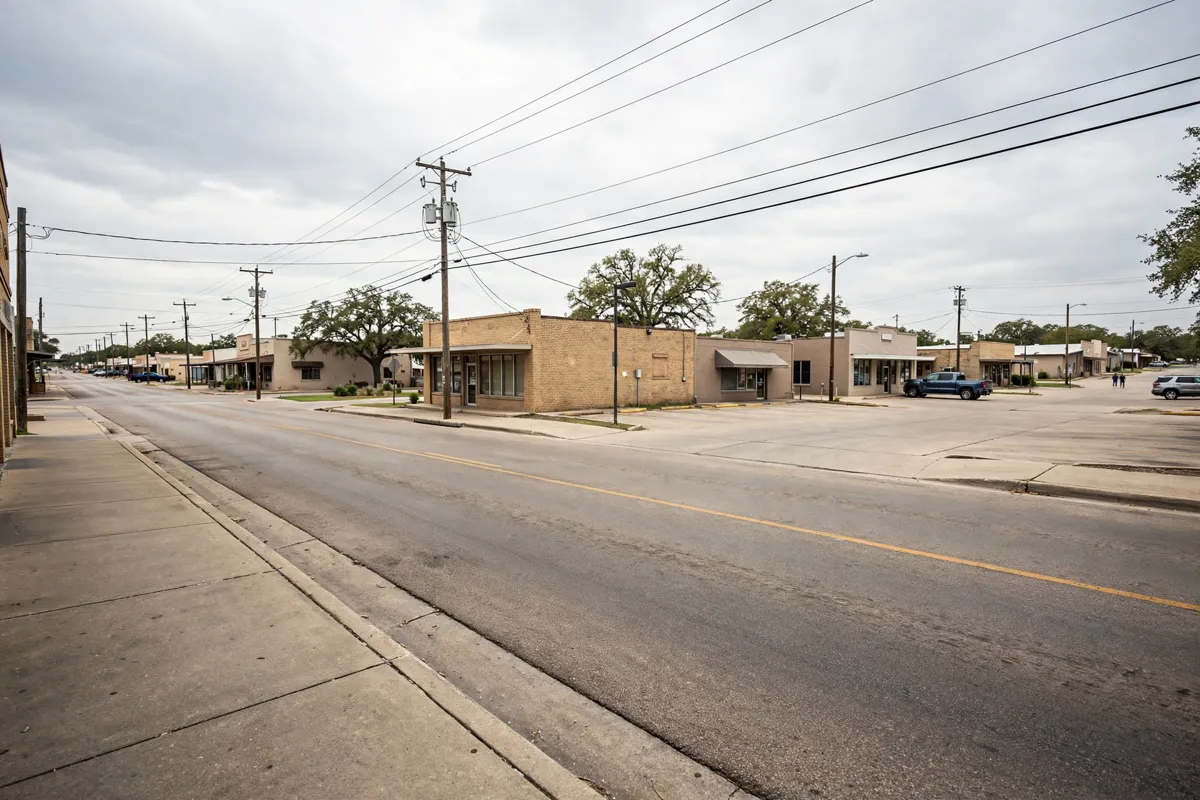
What the Front-Desk Listing Confirms
A 24-hour front desk is listed for Lonestar Inn, a two-star hotel, while the stated check-in window ends at midnight. Those details are not the same: front-desk hours do not confirm that a guest can check in after the stated window.
Booking.com gives check-in hours of 3:00 PM to 12:00 AM. Guests need photo identification and a credit card at check-in, and the minimum check-in age is 18. If arrival may be near the end of the window, compare the plans with the reservation details.
If plans could take you past midnight, ask the booking support team to confirm what applies to the reservation rather than assuming the front-desk hours guarantee a late check-in.
Before You Travel
Before setting out, check the confirmation for arrival time and any instructions attached to the booking. Check-in is at 3:00 PM, and check-out is between 10:00 AM and 11:00 AM.
Photo identification and a credit card are required at check-in. A refundable $100 damage deposit is collected in cash on arrival and refunded at checkout subject to inspection. Check the official site before you go, since reservation details and policies can change.
For help with an existing booking, the contact form goes to the booking support team, not the hotel. Include the confirmation number; the team responds to email within 24 hours. A booking-status lookup is also available for the latest reservation information.
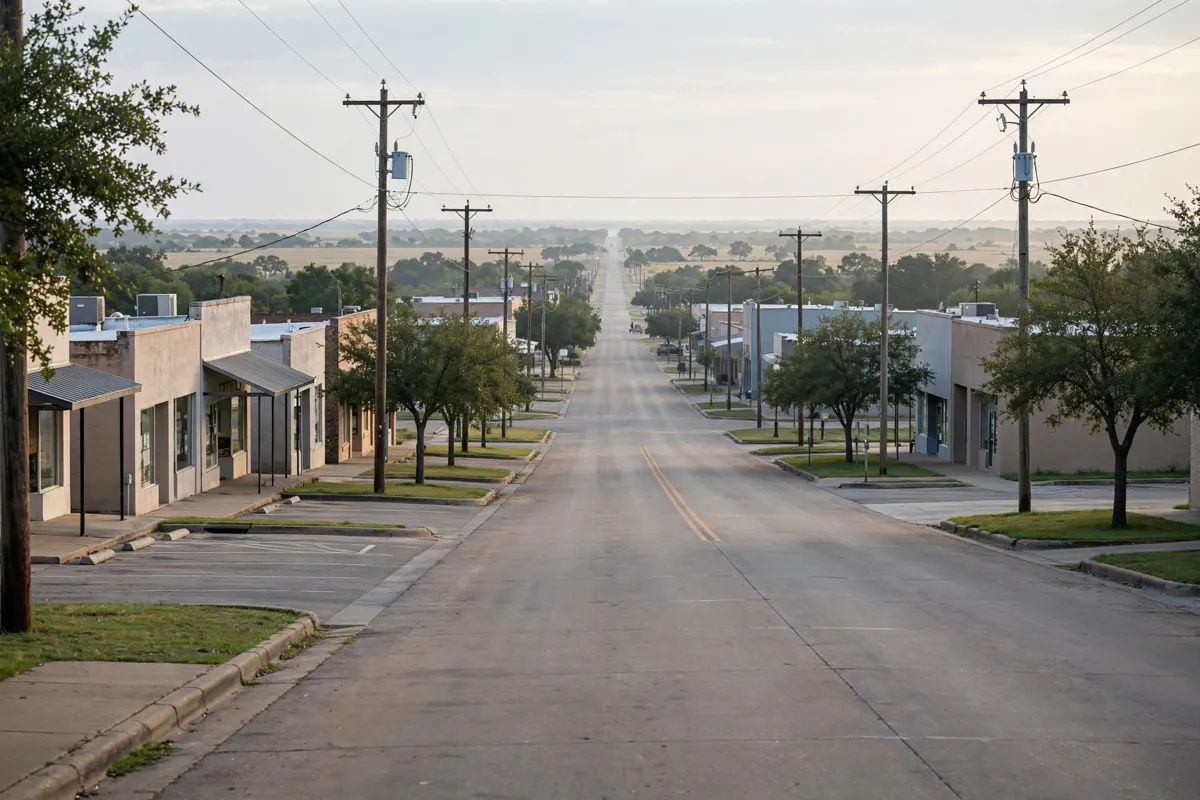
Arriving in El Campo
Use the street address to plan the arrival: 1319 South Mechanic Street, El Campo, Texas 77437. El Campo city centre is about 24 minutes on foot or about 2 minutes by car from the hotel.
Free private parking is available on site, and a reservation is needed. Confirm that parking is arranged if you plan to leave a vehicle there. The contact page does not publish a hotel phone number or late-arrival procedure, so use the booking support contact form for questions that need confirmation.
For parking arrangements, read the parking guide for the El Campo hotel.
Questions to Confirm With the Booking Service
Contact the booking support team before travel if arrival might fall outside the stated check-in window. Give the expected arrival time and ask whether the reservation can be accommodated; the 24-hour front-desk listing alone does not answer that question.
For the scheduled arrival and departure windows, read about check-in and check-out times. For other booking questions, provide the confirmation number through the support form so the team can identify the reservation.
FAQs
Does the hotel have a 24-hour front desk?
Yes. The front desk is listed as available 24 hours, but that does not confirm check-in after midnight.
What time does check-in end?
Check-in is given as 3:00 PM to 12:00 AM. Confirm the reservation’s instructions if arrival may be later.
How can guests ask about a late arrival?
Use the booking-support website’s contact form and include the confirmation number. The form goes to the booking support team, not the hotel.